Shipped in October: Seller Intelligence, competitor prices, and more
October updates to Marq AI: Seller Intelligence, hourly competitor prices, automatic first reports for websites and domains, and Facebook Marketplace.
 Ryan KimPrincipal Product Marketing Manager5 min read

On this page8
- Act on sellers, not just listings, with the new Seller Intelligence
- Compare your prices with competitors’, hour by hour
- Set price rules on the price shoppers actually pay
- Get first reports out on websites and domains without waiting
- Catch listings on Facebook Marketplace, Walmart Canada, and subito.it
- Submit tickets without picking a channel, and see why a URL wasn’t removed
- Filter by the tags you want to include or exclude
- Preview the modules you haven’t added yet
October was about two things for Marq AI: acting on the sellers behind infringing listings, and keeping up with prices and reports as they change.
TL;DR Sharing October 2026 product updates:
- Act on sellers, not just listings, with the new Seller Intelligence
- Compare your prices with competitors’, hour by hour
- Set price rules on the price shoppers actually pay
- Get first reports out on websites and domains without waiting
- Catch listings on Facebook Marketplace, Walmart Canada, and subito.it
- Submit tickets without picking a channel, and see why a URL wasn’t removed
- Filter by the tags you want to include or exclude
- Preview the modules you haven’t added yet
Act on sellers, not just listings, with the new Seller Intelligence
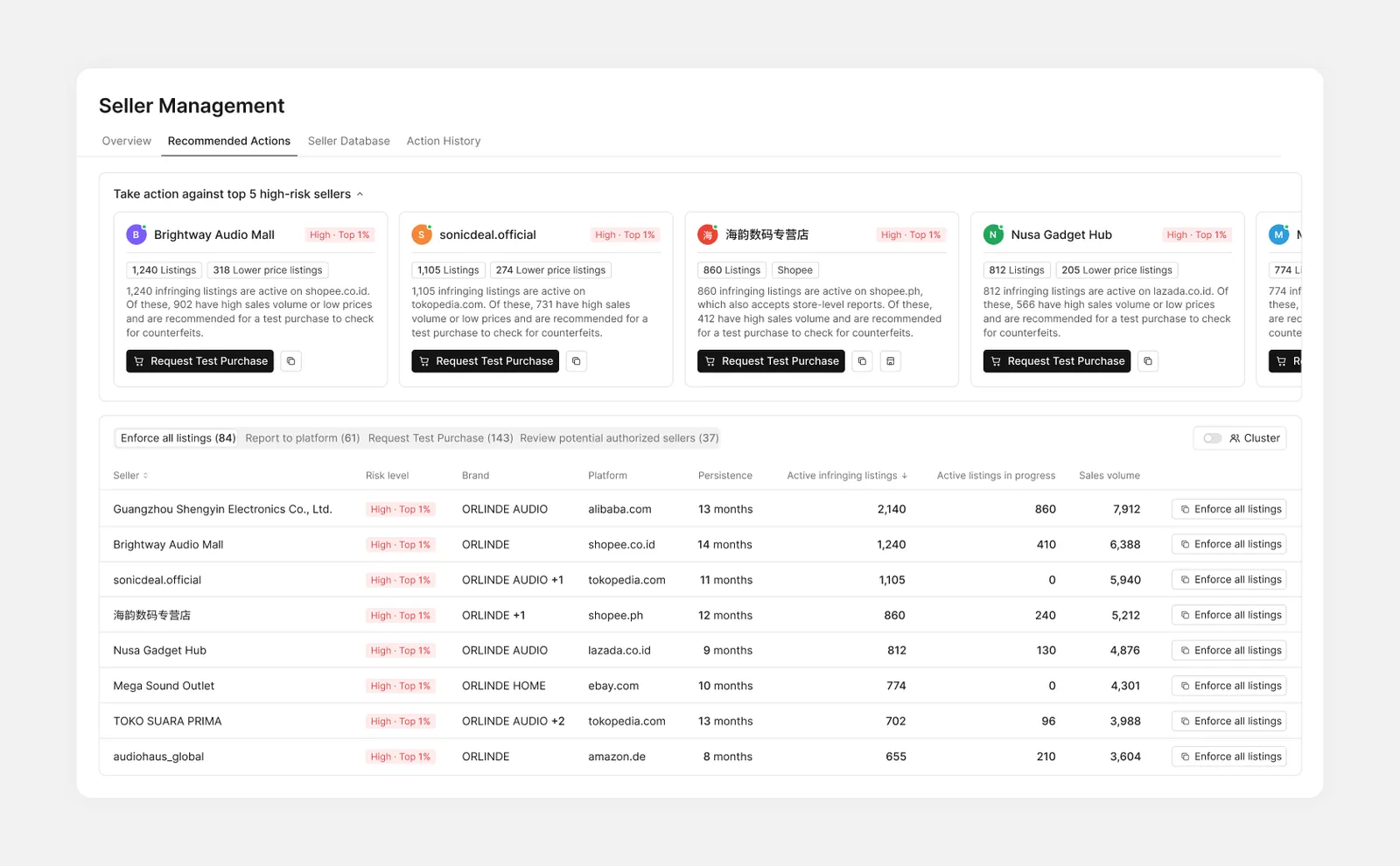
Infringing listings come from sellers, and taking listings down one by one doesn’t stop the seller behind them. The new Seller Intelligence, under Intelligence › Seller Intelligence, ranks every infringing seller by risk, recommends the next step for the ones worth acting on, and shows which storefronts operate together.
How this helps you:
- See each seller’s risk level and rank, based on five factors such as reactivated listings and platform takedown records, including takedowns by other brands
- Act from the seller’s card: enforce all their listings, report the store to the platform, or request a test purchase, then follow each request in Action History
- Get in-app and email updates as seller-level actions and test purchases move forward, and keep the sellers you track on a watchlist or under your own tags
In Seller Network, each connection shows the registration number, VAT number, or other detail the storefronts share, with an AI summary of what stands out.
Why we rebuilt it around sellers: read the launch post.
Compare your prices with competitors’, hour by hour
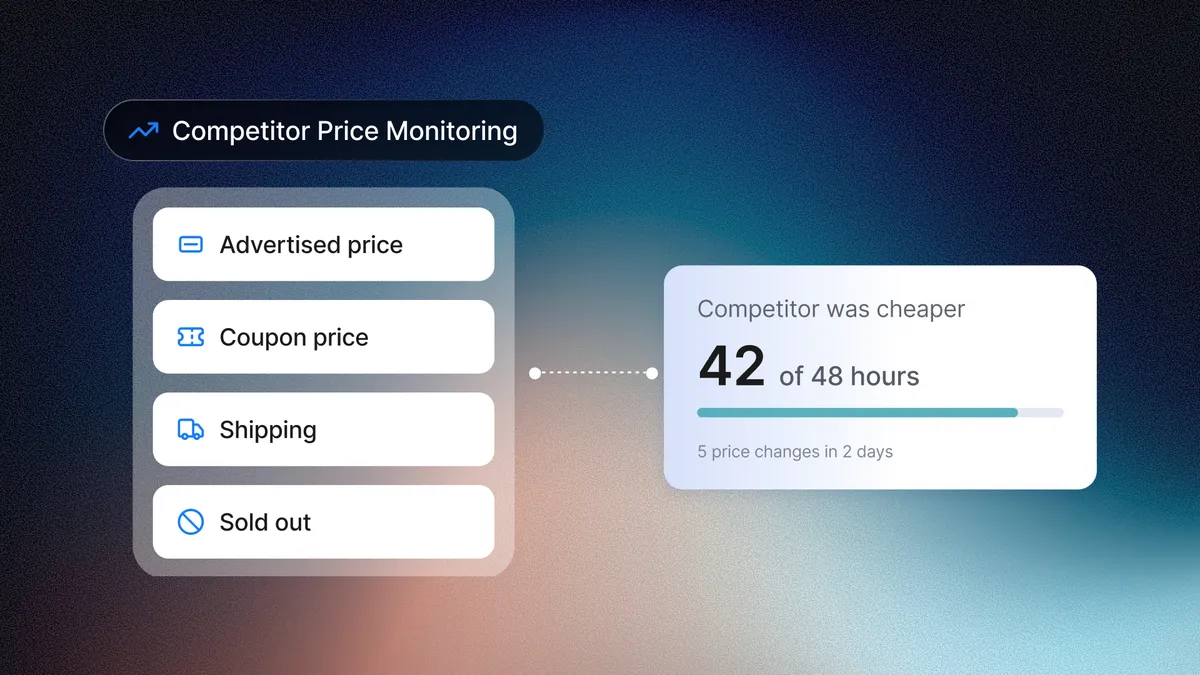
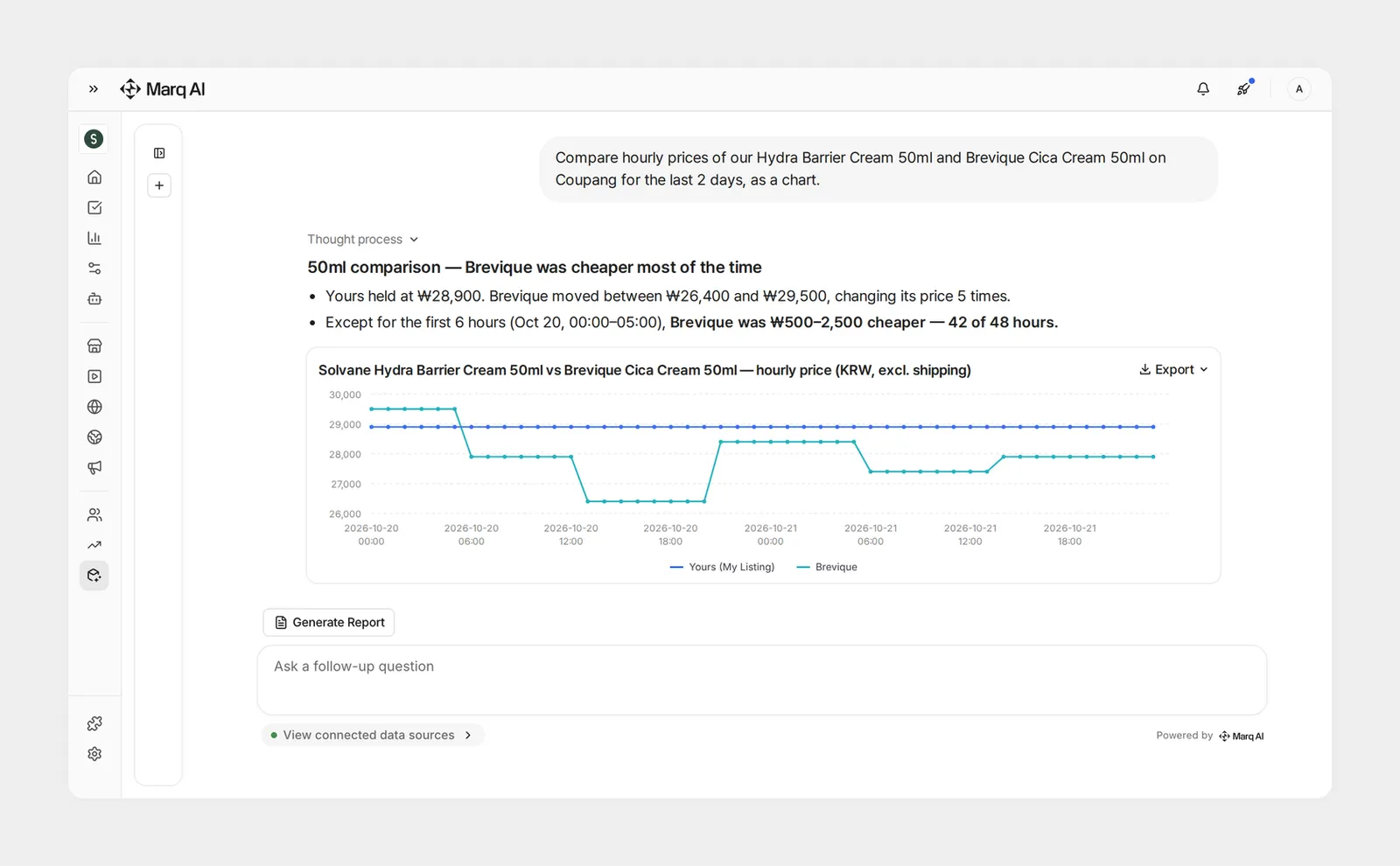
You can now track competitor prices every hour in the Brand Intelligence Agent, next to your own. Available for customers using Price Monitoring, on the marketplaces it covers. Each competitor product is matched to one of your models, so you compare like with like.
How this helps you:
- Ask where your price stands, such as “What’s the lowest competitor price for the same size as our product?”, and get the answer as a table or chart
- Catch short-lived price drops, like overnight cuts or Black Friday flash deals, and see exactly when prices changed and by how much
- Schedule the questions you ask every day and get the answers by email, like competitor products whose price changed since yesterday
To start tracking competitor products, talk to your account manager. Once they’re added, you’ll find them under Price Monitoring › Competitor Products.
How it works: read the launch post.
Set price rules on the price shoppers actually pay
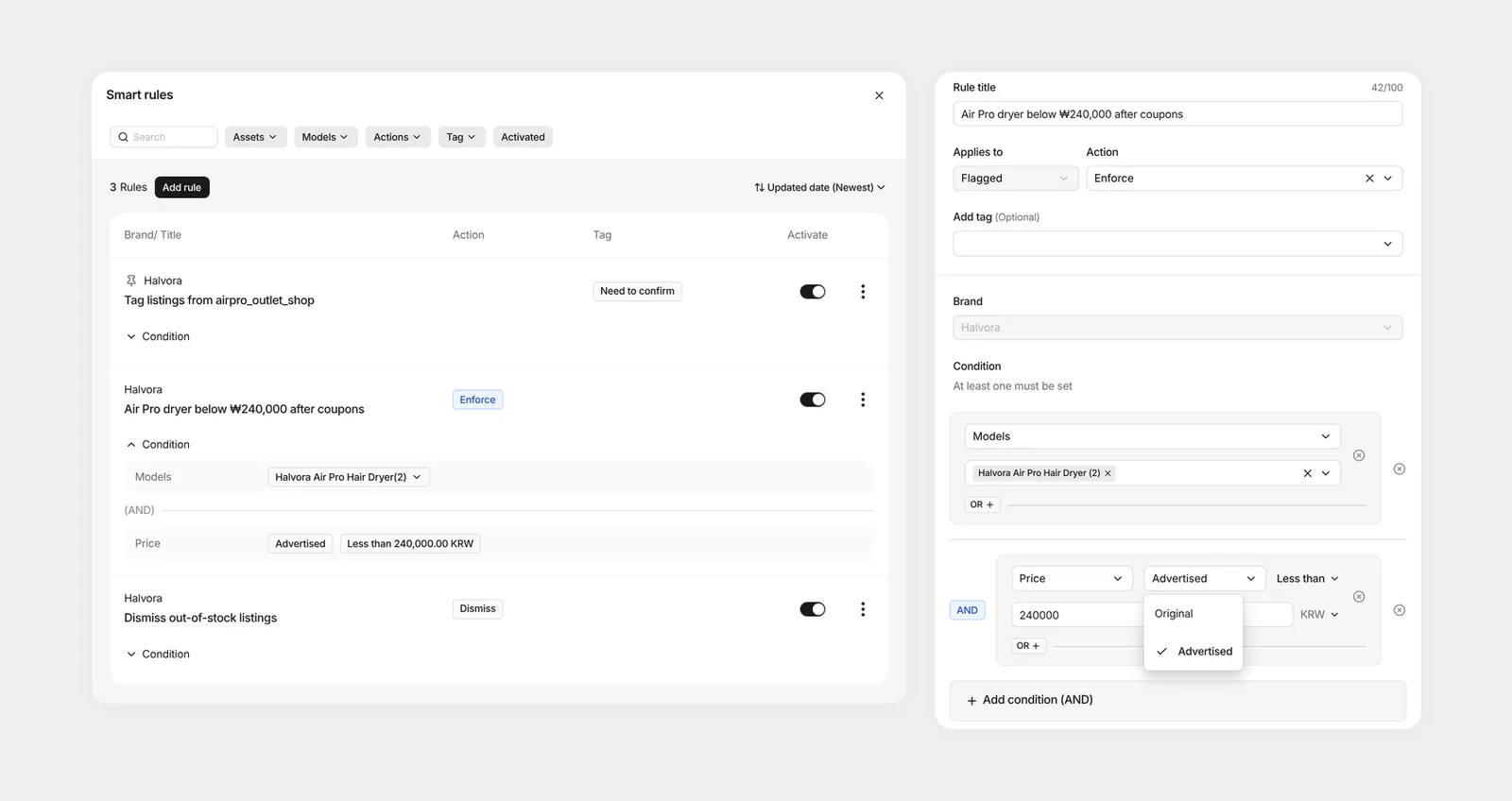
Smart Rules can now check a listing’s advertised price, after coupon discounts, instead of its original price. Sellers who keep the original price and hide a deep discount in a coupon no longer slip past your price rules.
How this helps you:
- Set a price condition on the advertised price. If you use Price Monitoring, it’s the default
- Catch options priced below your rule, not just the model price
- Have Price Monitoring rules check a Flagged listing again, automatically, whenever its price changes
We’re moving existing Price Monitoring rules to the advertised price in stages.
Get first reports out on websites and domains without waiting
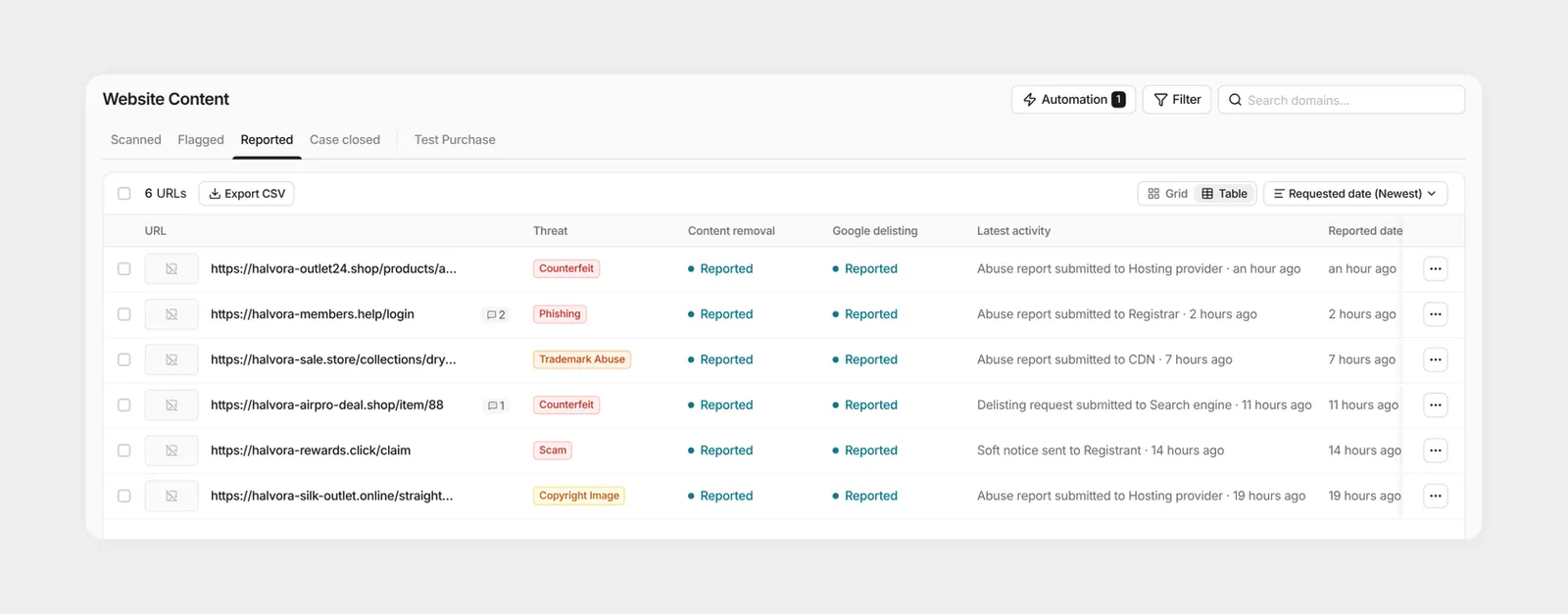
When you enforce a site in Website Content or a domain in Domain Names, the first reports now go out on their own. We check every four hours and file with the registrant, registrar, hosting provider, Cloudflare, and Google.
How this helps you:
- Have eligible sites and domains reported within four hours of your request
- Get the remaining providers reported automatically when a site was reported to only some of them, with failed web forms retried
- Find sites that use your product photos: Website Content can now also search Google Images, alongside Google Web and Google Shopping
Image search is set up per brand by our team.
Catch listings on Facebook Marketplace, Walmart Canada, and subito.it
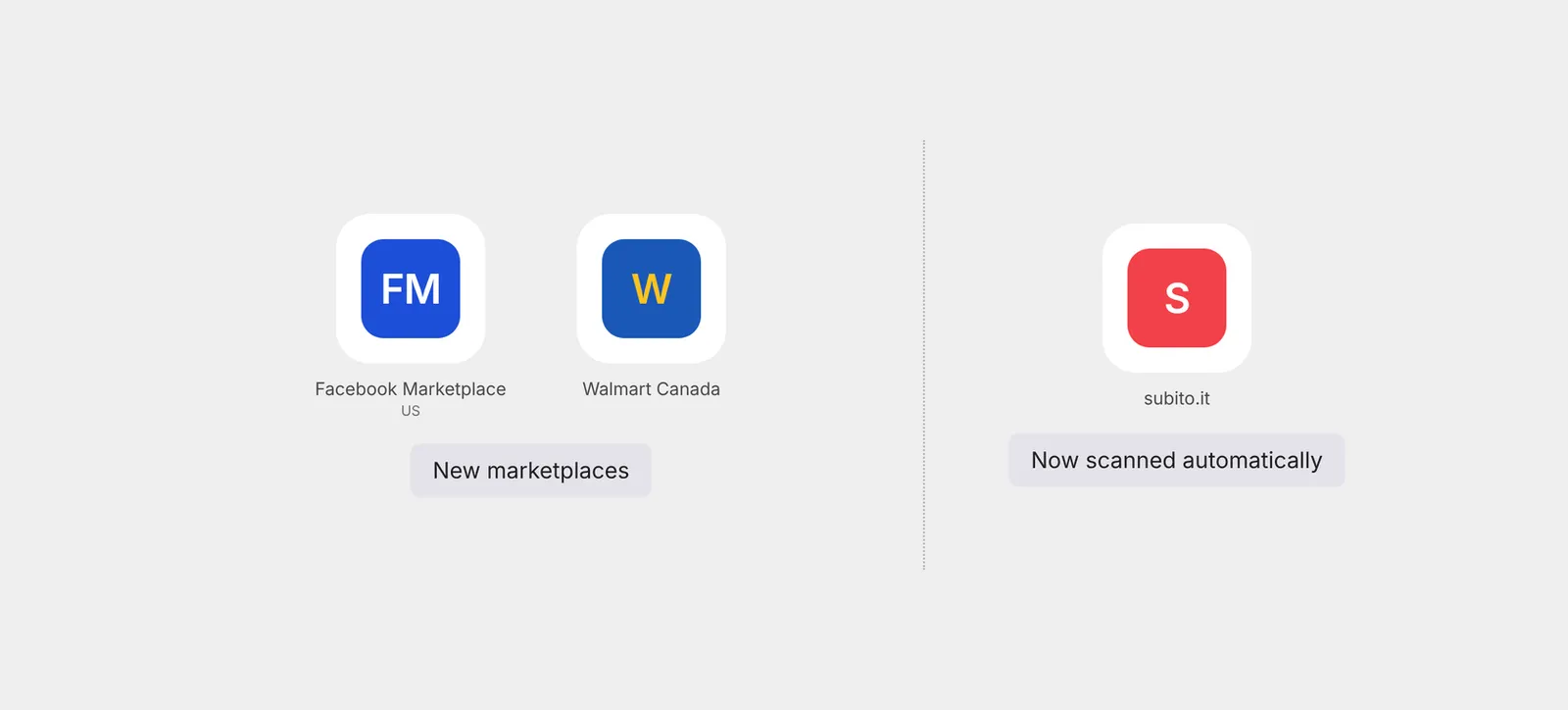
Two more marketplaces joined Marq AI’s coverage in October, and one more moved onto automated scanning.
How this helps you:
- Monitor Facebook Marketplace, starting with US listings
- Cover Walmart Canada like our other standard marketplaces, from keyword monitoring to removal checks
- Get automated scanning on subito.it in Italy
Submit tickets without picking a channel, and see why a URL wasn’t removed
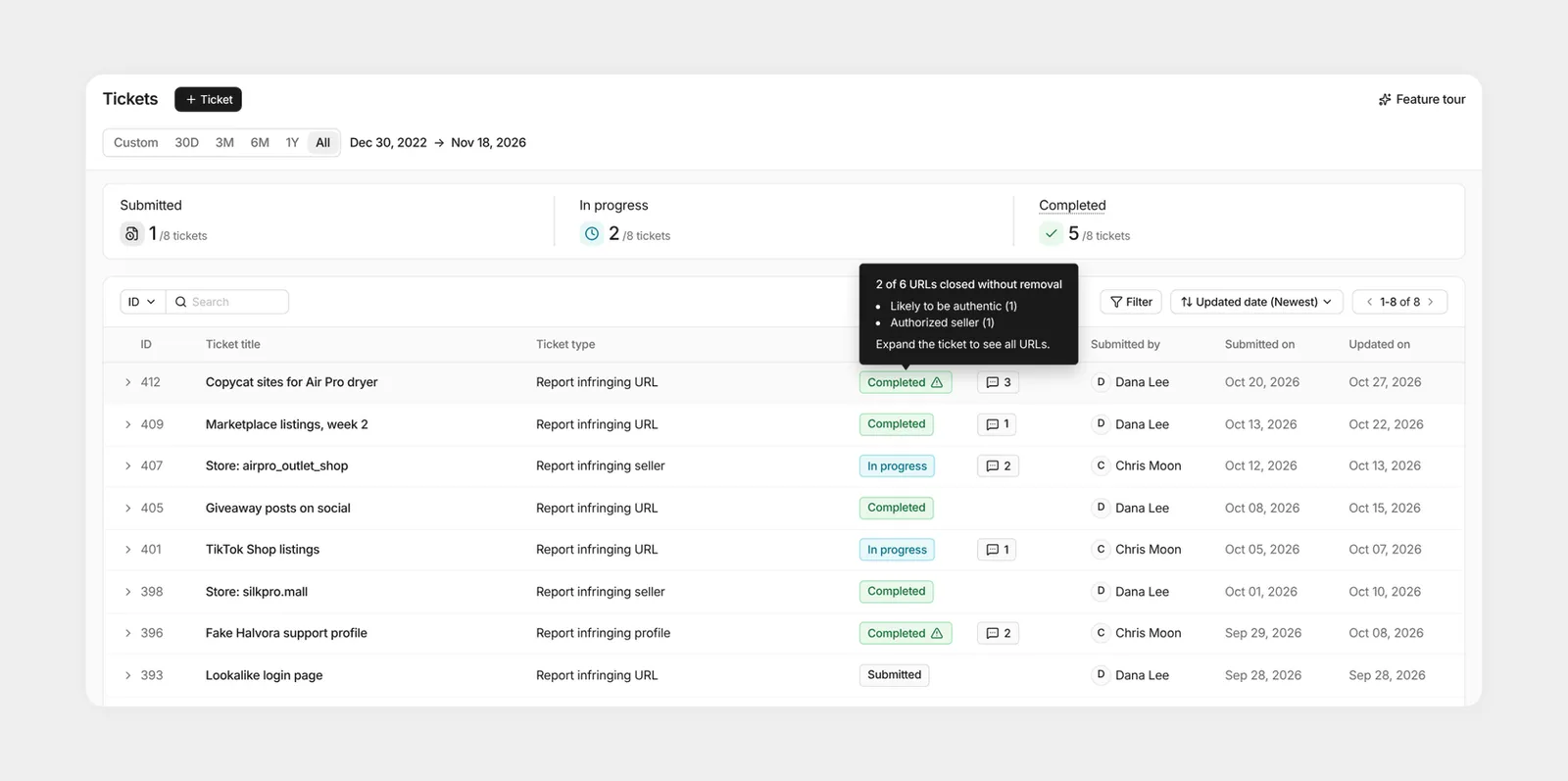
Tickets got two updates in October. You no longer choose between Marketplace & Social Media and Website Content when you submit a ticket. We route it for you. And Completed tickets now flag the URLs that were closed without removal.
How this helps you:
- Submit a ticket without deciding which channel it belongs to
- Spot Completed tickets with URLs that weren’t removed, by the warning icon next to the status
- Hover over the icon to see why, such as an expired URL, a product that’s likely authentic, or an authorized seller
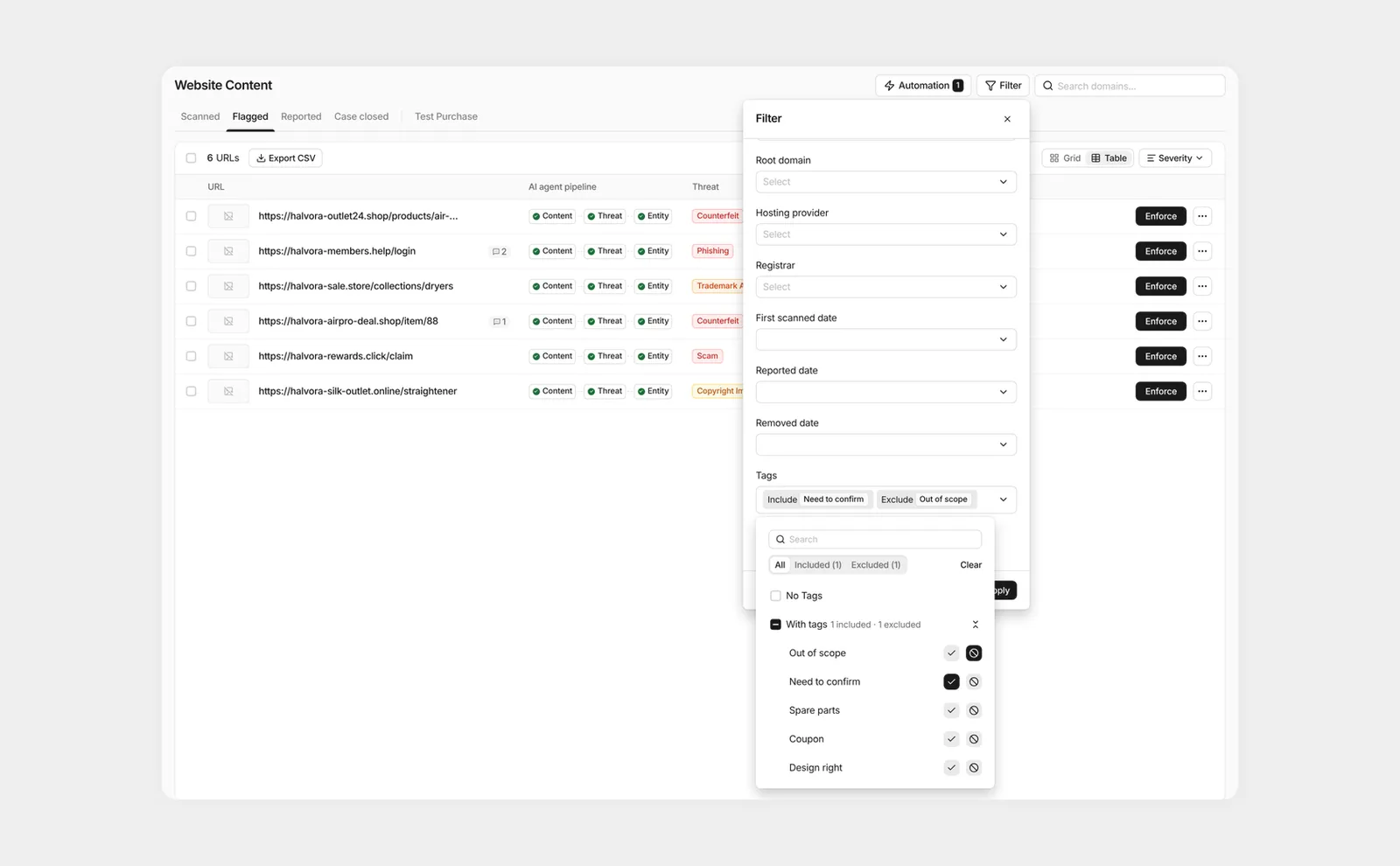
Filter by the tags you want to include or exclude
The Tags filter now lets you exclude tags, not just include them. Hide the listings you’ve already tagged as out of scope, and review what’s left. Several customers asked for this one.
How this helps you:
- Mark each tag ✓ Include or ⊘ Exclude in the filter
- Use it in Marketplace and Social Media Listings and Review Needed, Website Content, Domain Names, Paid Ads, and Social Media Impersonation
- Filter by Seller tag the same way, in Marketplace and the Seller Database
Preview the modules you haven’t added yet
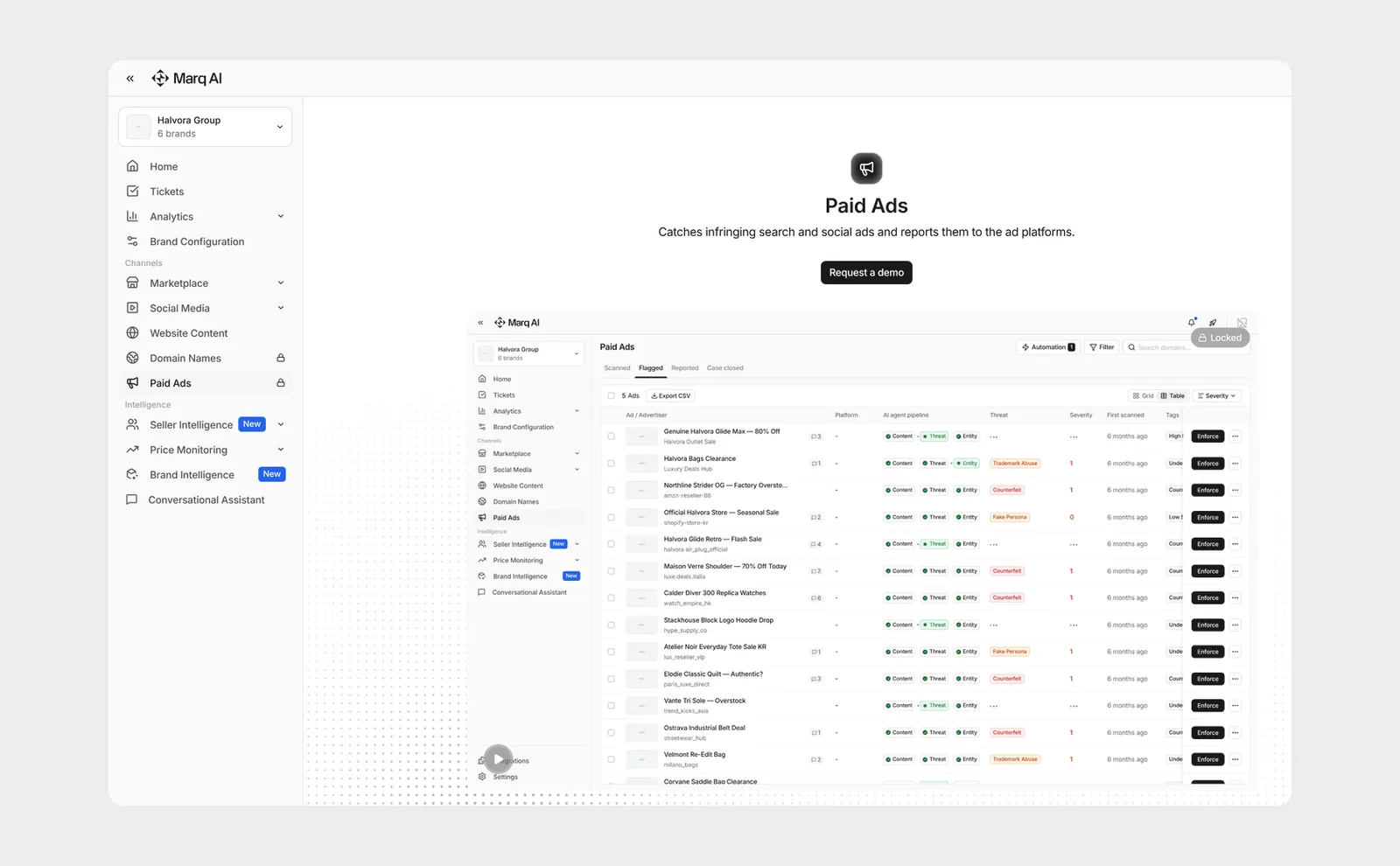
Modules your team hasn’t added used to be hidden from the menu. Now Marketplace, Social Media, Website Content, Domain Names, and Paid Ads show up as locked menus, so you can see what else Marq AI covers.
How this helps you:
- Open a locked menu to watch a short animated preview of what the module does
- Click Request a demo to ask about adding it. The request comes to us as a ticket
That’s October. See you next month with what shipped in November.
Curious how these updates apply to your brand? In a demo tailored to your brand, we’ll walk through the monitoring channels and enforcement coverage you need. Request a demo