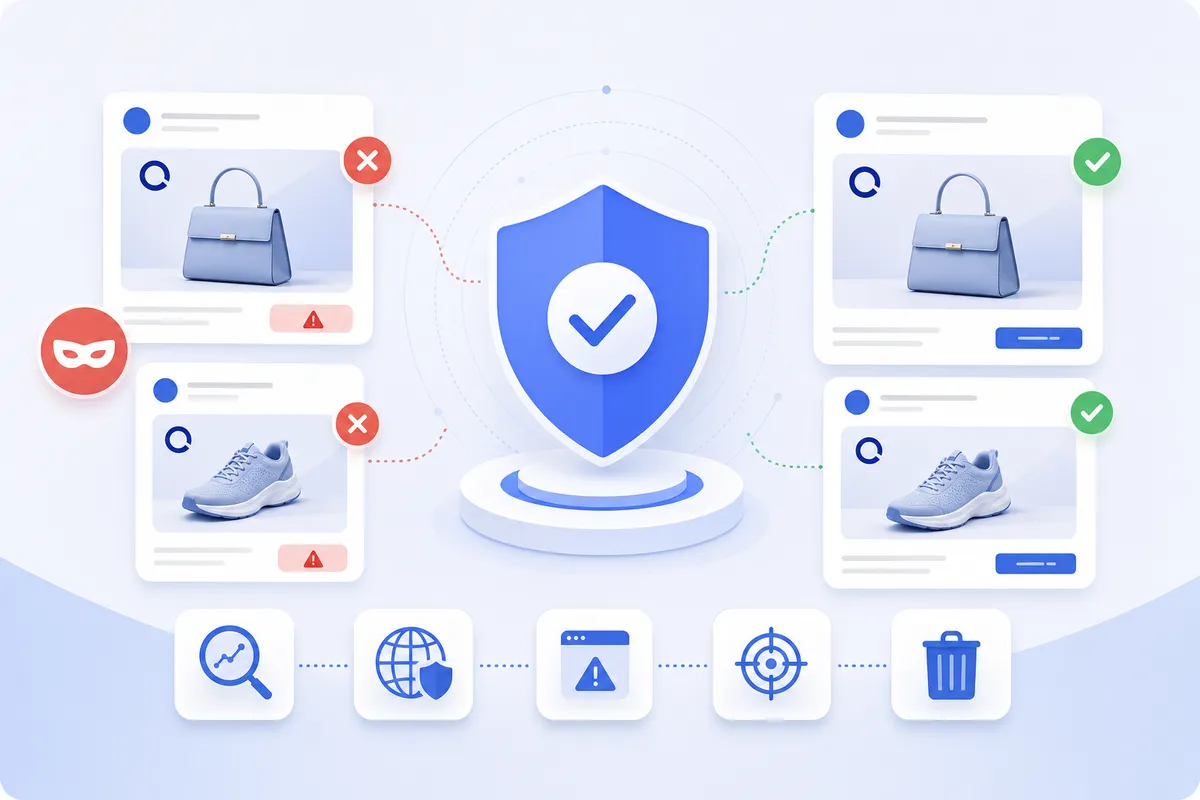
Domain Impersonation and Brand Spoofing: How to Detect and Stop Fake Domains in 2026
Learn how to detect and stop domain impersonation and brand spoofing attacks. This 2026 guide covers typosquatting, takedowns, and protection strategies.
 Christopher ChaeHead of Marketing4 min read
On this page12
- The Business Impact of Domain Impersonation Attacks
- What Is Domain Impersonation?
- Domain Impersonation vs. Domain Spoofing: Understanding the Difference
- Common Domain Impersonation Techniques Used by Attackers
- How Domain Impersonation Attacks Work: From Registration to Exploitation
- Detecting Domain Impersonation: Monitoring Strategies and Tools
- Email Authentication Protocols: SPF, DKIM, and DMARC
- Domain Takedown Strategies: UDRP and Legal Remedies
- Building a Proactive Domain Protection Program
- How MarqVision Stops Domain Impersonation Before It Scales
- Final Thoughts on Domain Impersonation and Brand Protection
- FAQ
Everyone talks about email security like it is a solved problem once you publish DMARC and lock down your sending infrastructure, but that setup does nothing about the hundreds of domains an attacker can register against your brand tomorrow. Domain impersonation protection is not the same as stopping spoofed headers. When someone registers a lookalike domain, they are not forging your domain. They are creating a new one that passes authentication cleanly because it is sending mail as itself. Your DMARC policy has no opinion on a domain you do not own, which is why a brand can have perfect email hygiene and still get hit with phishing campaigns running on typosquatted domains. Mailbox intelligence impersonation tools and user impersonation protection features help flag suspicious senders after the fact, but the real defense starts earlier.
You need to deploy domain impersonation safety measures that catch new registrations before they go live, activate intelligence for impersonation protection that scores risk in real time, and implement impersonated domain protection workflows that route confirmed threats straight to takedown. This guide walks through how attackers build these campaigns from registration to exploitation, where the blind spots are in standard email security, and how to activate mailbox intelligence monitoring that surfaces lookalike domains while they are still parked.
TLDR:
- Brand impersonation has surged 360% since 2020, with phishing driving 16% of breaches costing $4.4M each.
- Domain impersonation targets human perception through typosquatting, combosquatting, and homograph attacks.
- SPF, DKIM, and DMARC stop spoofing but do nothing against lookalike domains attackers register.
- Detecting threats at registration costs almost nothing; waiting until credentials are harvested means managing a breach.
- MarqVision scans 100M new domains daily with 5.3-hour median takedown speed and 90%+ validation accuracy.
The Business Impact of Domain Impersonation Attacks
Phishing remains the leading way attackers gain initial access, accounting for 16% of breaches according to IBM’s Cost of a Data Breach Report, with each incident carrying an average price tag of $4.4 million. Fake domains sit at the center of most of those campaigns, since a credible web domain is what convinces a customer or employee to hand over credentials in the first place.
The volume of these attacks has climbed steadily. Brand impersonation has surged 360% since 2020, which means the odds that your brand already has a spoofed twin in circulation are no longer hypothetical.
For your legal, IP, and brand protection teams, the consequences land across several columns of the ledger:
- Direct financial loss. Credential theft and payment fraud routed through fake checkout pages drain revenue and trigger chargebacks, refunds, and fraud reimbursement obligations.
- Brand reputation damage. When a customer gets scammed by a site carrying your logo, they blame you. The attacker is invisible. Your name is on the door.
- Customer trust erosion. Victims of impersonation often stop transacting entirely, which quietly suppresses lifetime value and makes reacquisition far more expensive than the initial fraud loss.
- Regulatory and legal exposure. In sectors governed by data protection requirements such as financial services, healthcare, and pharmaceuticals, a breach that originates from a spoofed domain can pull you into GDPR, CCPA, or sector-specific reporting obligations, along with the audit and disclosure costs that follow.
- Cost of response. Every confirmed incident spins up investigation, takedown, customer notification, and remediation work that pulls your team away from proactive enforcement.
There is a strategic point buried in those line items. IBM puts the average phishing breach at $4.4 million. Detection and takedown programs for impersonation domains cost a fraction of that figure, which is precisely the math that moves domain protection out of the legal cost center and into a board-level risk conversation.
That asymmetry is what makes the business case. The spend required to detect and dismantle impersonation domains is small measured against the breach exposure, fraud liability, and trust erosion a single live campaign can produce.
What Is Domain Impersonation?
At its core, domain impersonation is a confidence trick dressed up in HTML. An attacker registers a web domain that looks close enough to yours that a customer, a partner, or one of your own employees reads it as legitimate. The deception lives in the resemblance. Swap one letter, add a hyphen, append “secure” or “login” to your brand name, and you have a domain that passes a quick glance even though it has nothing to do with your company.
The mechanism is straightforward. Once that lookalike domain is live, the attacker points it at content built to deceive. That content takes a few common forms:
- Phishing portals that copy your login page and harvest credentials the moment a victim types them in.
- Counterfeit storefronts that mimic your checkout flow to capture payment details or sell fakes under your name.
- Cloned marketing pages that push fraudulent promotions, fake support lines, or malware downloads.
What ties these together is the URL bar. The victim trusts the URL, so they trust everything that loads beneath it.
It helps to be precise about what this attack is and is not. This category relies on human perception and error, not on breaking anything technical. The attacker does not need to compromise your servers, crack your mail system, or breach a firewall. They register a domain, build a convincing page, and wait for someone to misread the URL. The vulnerability being exploited is attention, not infrastructure.
That distinction matters for how you defend against it. Because impersonation operates on visual similarity, the threat surface is enormous. A single brand can be targeted across hundreds of variant spellings, alternate top-level domains, and subdomain tricks, each one a separate registration sitting on separate infrastructure. The genuine domain stays untouched and fully secure while a parallel web of fakes draws traffic away from it.
The practical takeaway for you is that domain impersonation is a brand abuse problem before it becomes a security problem. The harm happens outside your perimeter, on domains you do not own and servers you cannot patch. You cannot close this gap by hardening your own systems alone. Defending against it means watching the wider web for domains that trade on your name and acting before customers click.
Domain Impersonation vs. Domain Spoofing: Understanding the Difference
The two terms get used interchangeably, and that loose usage causes real gaps in how teams build their defenses. They describe separate attack mechanics that demand separate controls.
Domain spoofing manipulates email headers so a message appears to come from your domain without the attacker ever registering anything. The sender field reads as your exact domain. There is no fake domain to find, because the attacker is forging the “from” line on mail sent through their own infrastructure. The deception targets mail servers and the trust signals they pass along.
Domain impersonation works the other way. The attacker registers a genuinely new web domain that resembles your domain closely enough to pass a human glance, then uses it to send mail, host pages, or run ads. The domain exists, it is owned by someone, and it sits on infrastructure you can trace and challenge.
One useful way to frame it: spoofing is built to fool systems, while impersonation is built to fool people. That distinction determines which controls actually work against each.
The practical consequence shows up in your defenses. Spoofing can be shut down at the protocol level, since a correctly configured authentication record tells receiving servers to reject mail that forges your domain. Once those records are published and enforced, a spoofed message gets bounced before it reaches an inbox.
Impersonation slides right past those same controls. A lookalike domain passes authentication cleanly, because it is a legitimate registration sending mail from its own validated records. Nothing about the header is forged. Your DMARC policy has no opinion on a domain you do not own.
This is why a stack tuned for email security can stop one threat and never see the other. Authentication closes the spoofing door. It does nothing about the hundreds of lookalike domains an attacker can register against your brand, each one requiring active discovery and removal instead of a header check.
Common Domain Impersonation Techniques Used by Attackers
When a domain report lands on your desk, the flagged entries tend to fall into a handful of recognizable patterns. Knowing the mechanics behind each one helps you sort genuine threats from noise faster.
Typosquatting
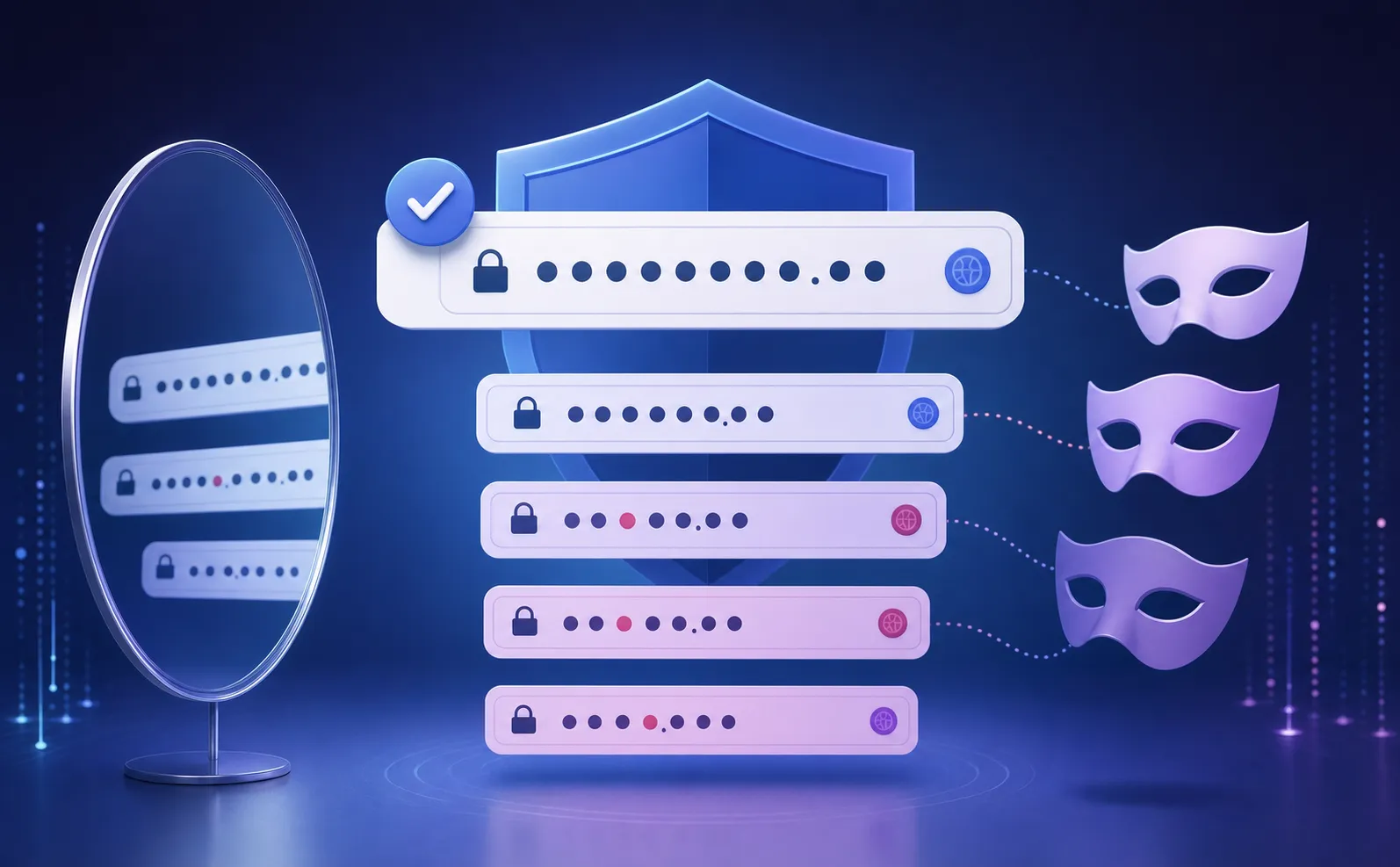
Typosquatting banks on fat fingers and quick eyes. Attackers register domains that mirror common keystroke errors, so a visitor who misspells your brand by one character still lands somewhere the attacker controls. The variations cluster into three moves:
- Character substitution, where a single letter gets swapped, such as gooogle becoming goggle or a lowercase l standing in for a capital I.
- Character omission, where a letter is dropped entirely, turning marqvision into marqvison.
- Character addition, where an extra letter is appended, as in amazonn.com.
Combosquatting
Combosquatting keeps your brand name spelled correctly and bolts on a word that sounds official. Domains like amazon-onlineshop.com, paypal-secure.com, or yourbrand-support.net read as plausible service pages, which is exactly why they work on customers scanning for a login or a refund portal. Because the trademark itself stays intact, these often slip past filters tuned only for misspellings.
Homograph Attacks
Homograph attacks exploit the fact that letters from non-Latin alphabets can look identical to Latin ones. The Cyrillic “a” displays the same as the English “a” to the human eye, so an attacker can register a domain that appears letter-for-letter correct while pointing to entirely different underlying characters. A registration reading as “apple.com” might actually contain a Cyrillic vowel, invisible in the URL bar yet routing to a fraudulent server. Because the characters look identical to the human eye, visual inspection alone fails. Only automated detection that reads the underlying character encoding can reliably spot the difference.
Subdomain Abuse
The last pattern does not require registering a lookalike at all. Attackers spin up subdomains on legitimate hosting services or free site builders, producing URLs like yourbrand.weebly-host.com or login-yourbrand.firebaseapp.com. The parent domain belongs to a trusted provider, so the page inherits a layer of credibility, and standard domain monitoring that watches only for new top-level registrations can miss it. Reviewing subdomain activity on shared infrastructure closes that blind spot.
In practice, the campaigns that cause the most damage stack these methods together. A single operation might pair a homograph base with a combosquatting suffix, then host the content on an abused subdomain, defeating any defense that screens for only one trick.
How Domain Impersonation Attacks Work: From Registration to Exploitation
Every impersonation campaign moves through the same arc, and each stage leaves a window where a watching team can step in before a victim ever loads the page. Understanding that sequence is what turns reactive cleanup into early disruption.

It starts with registration. Attackers buy lookalike domains in bulk through low-cost registrars, often parking them on bulletproof hosting providers that ignore abuse complaints and shield the operator’s identity. The scale is hard to overstate. One campaign was found to spin up nearly 200,000 fraudulent websites in 20 days, proof that these run on automated registration pipelines, not one-off manual jobs. This is the earliest and cheapest moment to intervene, because a freshly registered domain that has not yet gone live can be flagged on a watchlist before any content appears.
Activation comes next. Using automated scraping tools, attackers clone your real website wholesale, pulling your logo, layout, copy, and checkout flow into a pixel-accurate replica. The fake can stand up in minutes. A domain that was parked yesterday can be serving a working login page today, which is why detection latency measured in days leaves a gaping hole.
Then comes distribution, where the domain gets pushed in front of victims through several channels at once:
- Phishing emails sent from the lookalike domain or a related sender.
- SMS campaigns linking to the cloned site under the guise of a delivery notice or account alert.
- Malicious paid ads that buy their way to the top of search results for your brand name.
Each channel is a separate detection surface, and catching the domain at distribution still beats catching it after a customer has typed in their password.
The final stage is exploitation, and it is where the clock runs fastest. Once a victim enters credentials, payment details, or downloads a payload, the attacker has what they came for. Captured credentials get fed into automated systems that test them against other services within minutes, long before a victim realizes anything is wrong. Payment fraud and malware delivery follow the same compressed timeline.
The lesson is that the value of an intervention drops sharply the further down this arc you act. Stopping a domain at registration costs almost nothing. Stopping it after credentials are harvested means you are no longer preventing the attack, you are managing a breach.
Detecting Domain Impersonation: Monitoring Strategies and Tools
Detection is the difference between catching a fake domain while it is still parked and finding it after a customer has already been scammed. Phishing domain monitoring is the continuous scanning of new domain registrations and certificate logs to surface lookalikes as they appear. A reactive approach waits for an attack to surface before responding, while monitoring flags the malicious domain the moment it is registered. A repeatable program leans on several feeds at once, each catching what the others miss.
Certificate Transparency Logs
Every time a fraudster provisions a TLS certificate for a lookalike domain, that issuance gets recorded in a public, append-only log. Certificate transparency was built so that any party can monitor and audit certificate issuance, greatly enhancing everyone’s ability to spot a certificate minted for a domain that trades on your name. Watching these logs for your brand keywords often surfaces a fake before its content even goes live, since attackers tend to secure a certificate during setup.
Newly Registered Domain Feeds
Bulk registration data, published continuously by registries and aggregators, lets you screen fresh registrations for variants of your trademark within hours of the domain hitting the zone file. Combined with the typo and combo patterns covered earlier, these feeds turn a daily registration firehose into a short list of candidates worth reviewing.
DNS Query Analysis
Resolution behavior tells its own story. A domain that suddenly starts receiving query volume, or one that resolves to infrastructure already tied to known phishing operations, signals a campaign moving from setup into distribution. Tracking these patterns helps you separate a parked placeholder from a domain actively pulling in victims.
Threat Intelligence Feeds
Aggregated feeds pool observations across many organizations, so a lookalike domain reported attacking one brand can warn the rest. Folding this shared intelligence into your monitoring extends your visibility well past what your own logs can monitor and flags infrastructure clusters reused across multiple fraud operations.
Brand Keyword Monitoring
Not every impersonation starts with a registration you can catch in a feed. Scanning search engine results, paid ad placements, and social channels for your brand name surfaces fakes that reach victims through promotion, including the malicious ads that buy their way above your real listing.
No single feed catches everything. The programs that actually work cross-reference signals across all of these, scoring and routing the matches so analysts spend their time on confirmed threats instead of sifting raw data.
Email Authentication Protocols: SPF, DKIM, and DMARC
The defense against spoofing covered earlier runs on three records you publish in your DNS settings. Together they tell receiving mail servers whether a message claiming to come from your domain is genuine. Configured correctly, they shut the door on attackers forging your exact domain.
Each one handles a separate part of the check:
- SPF (Sender Policy Framework) lists the IP addresses authorized to send mail on behalf of your domain. When a message arrives, the receiving server looks up your SPF record and confirms the sending server is on the approved list. If it is not, the message fails the check.
- DKIM (DomainKeys Identified Mail) attaches a cryptographic signature to every outgoing message. The receiving server verifies that signature against a public key in your DNS, confirming both that the mail genuinely came from your domain and that nobody altered it in transit.
- DMARC (Domain-based Message Authentication, Reporting and Conformance) sits on top of the other two. It checks the results of SPF and DKIM, then tells receiving servers what to do with mail that fails: monitor it, quarantine it, or reject it outright. It also sends you reports on who is sending mail under your name, surfacing abuse you would otherwise never see.
Cloudflare describes these as the records that help authenticate email senders by verifying that a message actually came from the domain it claims. Publish all three and enforce a strict DMARC policy, and a spoofed message forging your domain gets bounced before it reaches an inbox.
Here is the boundary that trips up most teams. These protocols protect domains you own. They have no reach over domains you do not. An attacker who registers a lookalike domain sets up their own SPF and DKIM records on it, signs their phishing mail cleanly, and passes every authentication check a receiving server runs. Nothing is forged, because the fraudulent domain is sending mail as itself.
So a fully locked-down email authentication setup stops one abuse: someone pretending to be your literal domain. It does nothing against the hundreds of near-identical registrations an attacker can stand up against your brand. Treat SPF, DKIM, and DMARC as the foundation they are, then recognize the gap they leave open. The lookalike domains still need finding, and that is work authentication records cannot do for you.
Domain Takedown Strategies: UDRP and Legal Remedies
Once you have confirmed an impersonation domain, the question becomes which lever to pull. The right remedy depends on what the domain is doing, how fast it needs to come down, and how clean your trademark claim is.
Uniform Domain-Name Dispute-Resolution Policy (UDRP) Proceedings
The Uniform Domain-Name Dispute-Resolution Policy (UDRP) is a process created by ICANN for resolving disputes over domain registrations. It runs far faster and cheaper than a lawsuit, built on a single round of pleadings decided by panelists who are experts in trademark law and domain disputes. A typical case wraps in roughly two months, and filing fees through providers like WIPO start in the low thousands for a single-domain, single-panelist matter, well under the cost of litigation.
To win, you generally need to show three things: the domain is identical or confusingly similar to your mark, the registrant has no legitimate interest in it, and it was registered and used in bad faith. WIPO’s guide to the process walks through what each element requires. UDRP fits clean cases best, where a lookalike clearly trades on a registered trademark with obvious bad-faith intent. It results in transfer or cancellation of the domain, not damages.
Hosting Provider and Registrar Abuse Reports
When a phishing page is live and harvesting credentials right now, UDRP moves too slowly. Filing an abuse report with the hosting provider or registrar can pull the content offline in hours. Most providers maintain abuse channels obligated to act on confirmed phishing and trademark complaints, and a well-documented report naming the live fraud usually triggers suspension faster than any formal proceeding. If the first contact stalls, escalate to the registrar of record, then to the registry operating the relevant top-level domain.
Law Enforcement Referral
Organized operations running payment fraud, credential theft, or malware distribution cross into criminal territory. Referring these to law enforcement or a national cybercrime unit puts the operator, not the single domain, in scope. This route is slow and best reserved for high-value targets running coordinated campaigns across many domains.
Evidence Collection
Every one of these remedies rises or falls on documentation. Before you file anything, capture and timestamp the proof:
- Full-page screenshots of the infringing content, with the URL visible.
- The complete HTML source and any cloned brand assets.
- WHOIS records identifying the registrant, registrar, and registration date.
- DNS and hosting records tying the domain to its infrastructure.
- Records of consumer harm, such as phishing emails or fraud complaints.
Collect this the moment you confirm the threat, because a fraudster who senses pressure can pull the page and erase your evidence overnight.
Building a Proactive Domain Protection Program
The teams that stay ahead of impersonation stop treating each takedown as a standalone event and start running domain defense as a standing capability. That shift begins before any threat appears.
Start with defensive registration. Buy the obvious variants of your brand yourself, including common misspellings, high-traffic top-level domains, and the “secure” or “login” combinations an attacker would reach for first. Owning these outright removes them from the pool a fraudster can register against you, and the annual cost of holding a few dozen names is trivial next to a single live phishing campaign.
Registration alone covers a narrow slice. The rest depends on a monitoring workflow that runs continuously and routes what it finds into a ranked queue. A working pipeline does a few things in sequence:
- Ingests the detection feeds covered earlier and scores each match by risk, weighting a live phishing page above a parked placeholder.
- Routes confirmed high-risk domains straight to takedown while holding ambiguous cases for human review.
- Tracks every domain from detection through removal so nothing stalls in limbo.
This is where the balance between automation and judgment matters. Automation handles the volume, screening thousands of registrations no analyst could read by hand. Human judgment handles the edge cases, the borderline trademark calls and the coordinated operations that need an investigator instead of a rule.
Domain protection also fails when it lives entirely inside one team. The threats touch legal, IT, marketing, and customer support, so the program has to reach across all four. Legal owns the trademark claims and takedown filings. IT manages authentication records and DNS. Marketing flags impersonation surfacing in paid search and social. Support is often first to hear about a scam from a confused customer, which makes it an early-warning channel worth wiring into the queue.
When you bring in an outside service, weigh it against a clear checklist: detection coverage across domains, subdomains, ads, and social; validation accuracy that keeps false positives low; takedown speed measured in hours, not days; and relationships with registrars and hosting providers that move removals faster.
Finally, report the program upward in terms an executive recognizes. Mean time to takedown, the volume of confirmed threats removed, and the trendline of active impersonation against your brand all translate enforcement activity into risk reduction the board can read, which keeps domain protection funded as part of brand integrity instead of buried as a line item in security.
How MarqVision Stops Domain Impersonation Before It Scales
Everything above describes the work. Our Digital Risk Protection module is how we do it at the scale the threat actually demands, catching lookalikes at the registration stage covered earlier instead of after a customer clicks.
Detection starts wide. We monitor 1.3 billion domains across gTLD, ccTLD, and sTLD registrations, and our Domain Watchlist scans 100 million newly registered domains every day, scoring each one with AI risk models that flag the variants trading on your brand. We track 5 million new or updated domains daily, so a freshly registered typo or combo domain surfaces while it is still parked, before any content goes live.
Coverage runs past domains alone. The same module watches paid advertising across Meta and Google, social channels, and website content, catching both the phishing sites built to steal credentials and the counterfeit ecommerce sites posing as authorized sellers.
Speed is where the program earns its keep. Our median response time for domain takedowns is 5.3 hours against an industry baseline measured in days, and validation accuracy holds above 90%, so analysts spend their hours on confirmed threats instead of false positives. Three partnerships drive that pace:
- Google TCRP gives us priority review and bulk submission for DMCA takedowns.
- Cloudflare’s Abuse API reveals the true hosting provider behind a domain and automates the abuse report.
- Our Meta Trusted Reporting partner status delivers a 99% takedown rate on fraudulent ads, based on our tracked enforcement results.
Our 2026 target is full AI automation across every DRP channel, which keeps takedown speed climbing as attack volume does.
The deeper point ties back to the asymmetry that opened this piece. We deliver this as an outcome, not a tool you have to operate. You do not staff a team to read registration feeds or chase registrars. We run the detection, the validation, and the removal, and report it back relevant terms your board already understands.
Final Thoughts on Domain Impersonation and Brand Protection
Domain impersonation runs on a simple premise: it’s cheaper to register a lookalike domain than it is for the target brand to clean up after it. The attack succeeds when detection lags behind distribution, which is why monitoring feeds that surface threats at registration matter more than any tool you deploy after a customer clicks. Your authentication records stop spoofing, but they do nothing against the hundreds of near-identical domains an attacker can stand up against your trademark. Request a demo to see how we compress the window between registration and removal, and why speed at that stage is what turns domain protection from reactive cleanup into real prevention.
FAQ
Domain impersonation vs. spoofing for brand protection teams?
Domain impersonation involves registering lookalike domains that visually resemble your brand (like amaz0n.com), while spoofing forges email headers to fake your exact domain without registration. Impersonation targets human perception and requires domain monitoring and takedown, whereas spoofing targets mail systems and stops at the protocol level with SPF, DKIM, and DMARC.
How long does UDRP typically take compared to hosting provider abuse reports?
UDRP proceedings wrap in roughly two months with filing fees starting in the low thousands, making them faster and cheaper than litigation for clear trademark violations. Hosting provider abuse reports can pull content offline in hours when phishing is actively harvesting credentials, which is why teams use UDRP for clean cases and direct abuse reports when speed matters most.
Can email authentication protocols stop domain impersonation attacks?
No. SPF, DKIM, and DMARC protect domains you own by blocking forged messages from your exact domain, but they have zero reach over lookalike domains attackers register separately. A fraudster operating amazon-secure.com passes all authentication checks cleanly because that fraudulent domain sends mail as itself, which is why you need domain monitoring on top of authentication protocols.
What’s the business case for investing in domain impersonation protection?
The cost of a single successful impersonation attack routinely exceeds the annual monitoring budget most brands allocate. IBM reports phishing breaches average $4.8 million per incident, while brand impersonation has surged 360% since 2020. Spending on detection and takedown is small measured against breach exposure, fraud liability, and customer trust erosion.
When should legal teams favor takedown speed over UDRP proceedings?
Focus on immediate takedown through hosting provider abuse reports when a phishing page is live and actively harvesting credentials or payment details right now. UDRP fits clean trademark cases where you need permanent transfer or cancellation but can afford the two-month timeline. Law enforcement referral works for organized operations running coordinated fraud campaigns across multiple domains.
What does validation accuracy mean in domain impersonation monitoring, and why does it matter?
Validation accuracy measures how often a monitoring system correctly identifies a flagged domain as a genuine threat versus a false positive. A low-accuracy system floods your team with borderline or benign registrations (brand-adjacent domains owned by legitimate businesses, fan sites, or resellers), forcing analysts to sort noise instead of acting on confirmed threats. High accuracy (90% or above) means the domains routed to your enforcement queue actually warrant action, so your legal and brand protection teams spend their time on takedowns instead of triage. For organizations running high-volume monitoring across millions of daily registrations, accuracy directly controls the cost of enforcement: every false positive that reaches a human reviewer is time your team cannot spend on a live phishing campaign.